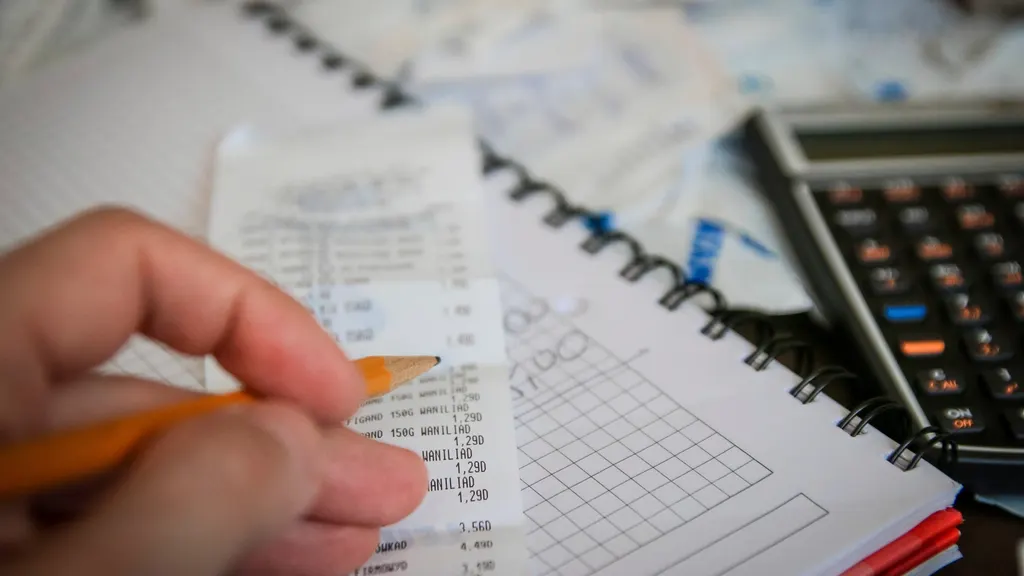
There are usually two ways to track your spending. You can type every purchase into an app or a spreadsheet, which works well for about three weeks. Or you can link a budgeting app to your bank, which is automatic but usually means handing your online-banking login to a company you've never heard of.
There's a third way that gets most of the benefit of both: work from the statements your bank already gives you. Every purchase, bill and payment is already on them, in order, with totals your bank has checked. You don't have to remember anything, and nobody needs your password.
Why statements are enough
A statement is a complete record of everything that went through an account in a month. Unlike manual entry, it can't forget the coffee you didn't log. Unlike a live bank feed, it doesn't need ongoing access to your accounts. And because bills, paycheques and card cycles all run monthly, a monthly record lines up with how your money actually moves.
The catch is that a statement is a list, not an answer. To turn it into "where did my money go?" you have to sort it, combine your accounts and avoid counting anything twice.
Tracking it by hand
Once a month, download the latest PDF statement for every chequing account, savings account and credit card. Many banks also let you download the same transactions as a CSV file, which pastes straight into a spreadsheet and saves retyping.
Give each transaction one of a handful of categories. Housing, groceries, transportation, eating out, subscriptions, debt payments and everything else is plenty to start. A few categories used the same way every month beat a detailed scheme you abandon. If "everything else" turns out to be your biggest category, split out whatever is driving it.
Then check your totals. The categories for each account should add up to the statement's own money-out figure; if they don't, a line was missed or entered twice. Reading your own bank statement shows where those totals sit on the page.
Don't count money twice
This is where most homemade trackers go wrong. When you pay your credit card from chequing, the payment isn't spending; the purchases on the card were. Count the purchases and treat the card payment as a transfer. The same goes for moving money between your own accounts, like a transfer into savings: it left one account and arrived in another, but you didn't spend it.
Skip this step and a month where you put $2,000 on your card and then paid it off looks like a $4,000 month.
What you give up
Working from statements isn't real time. Your picture is only as current as your latest statement, and pending transactions don't appear until they post. Cash spending shows up only as an ATM withdrawal, so if you use a lot of cash, jot down what it went on. For most people that's a fair trade: spending patterns change month to month, not hour to hour, and checking daily tends to create more worry than decisions.
Letting an app do the reading
The slow part of all this is the reading and sorting, not the thinking. SmartSpend AI does that part from the same PDF statements. You upload a statement, and every transaction is read, dated and sorted, then checked against the statement's own printed totals; if a figure doesn't add up, it reads the statement again before saving anything. Recurring charges are picked out from their billing rhythm, and every account and card is combined into one month-by-month view of where your money went.
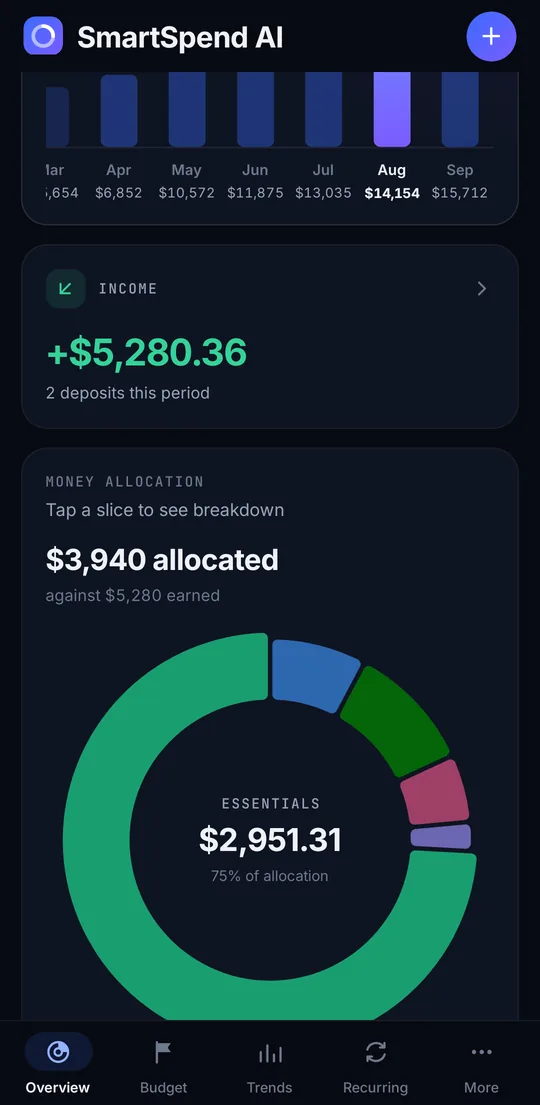
It never asks for your banking password and never connects to your bank. Google's Gemini AI service reads each statement, and the copy of the PDF in our storage is deleted once it's been read. It isn't instant either: you add each new statement yourself, and it nudges you when one is ready to download. If you're weighing that against linking an app to your bank, is it safe to give a budgeting app your bank login? covers what the usual route involves.
Comments
Comment submissions will be available soon. In the meantime, you can reach out directly by email.